Account Takeover
Prevention to
Secure Password Resets
Secure Password Resets
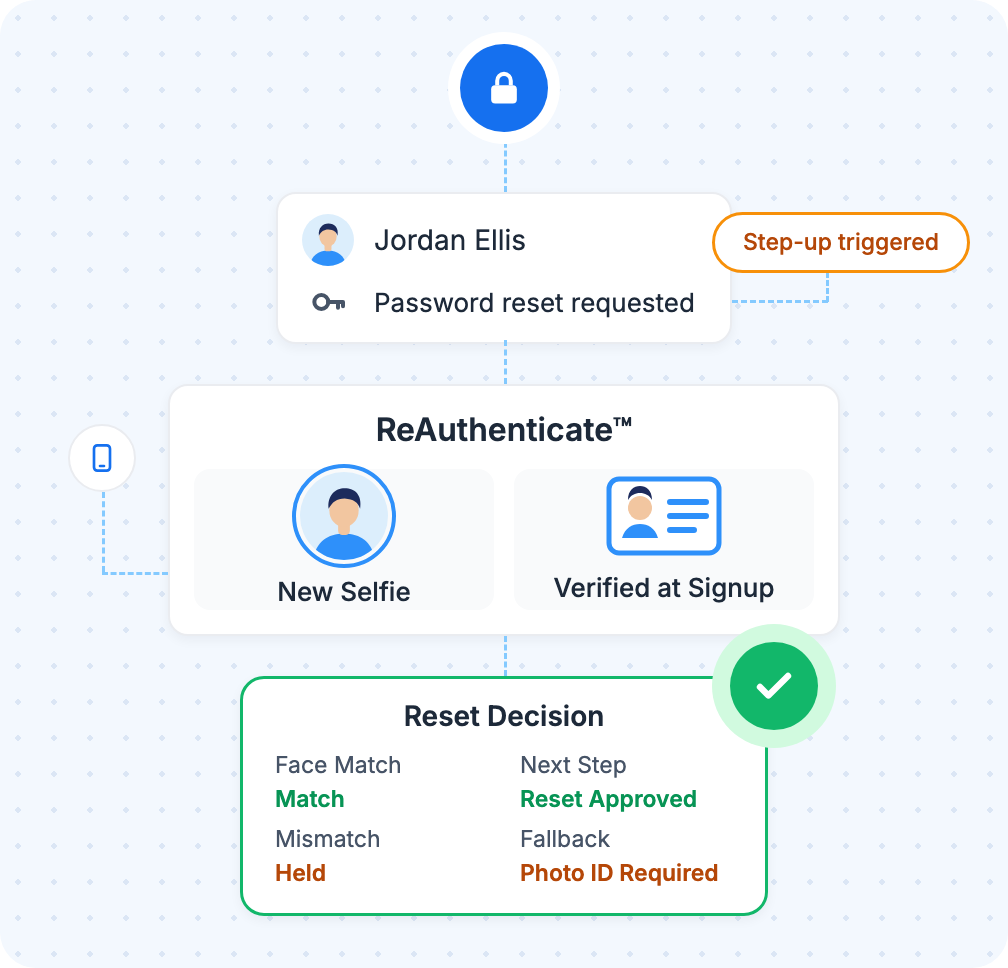
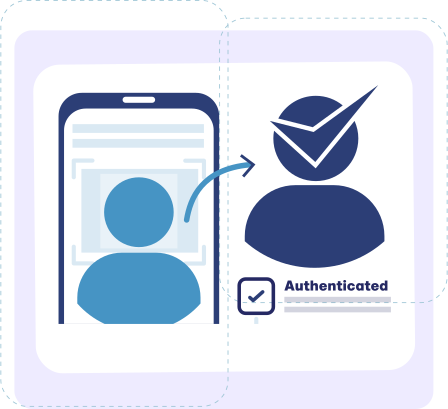
Account takeover prevention with Authenticate puts one selfie between an attacker and the account. Before a sensitive change goes through, ReAuthenticate™ matches the account holder's selfie against the face verified at signup, and a phished password and code can't produce that face.
Authenticate is trusted by





Re-Verify the Person Behind the Password
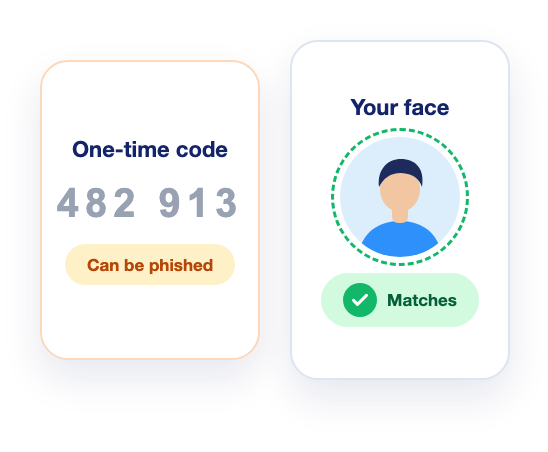
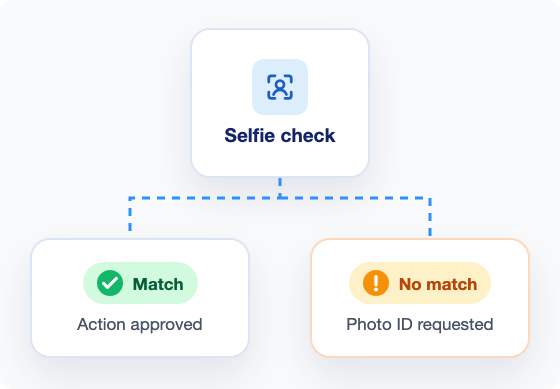
A selfie checked against a verified identity
- A match lets the account holder finish on their own
- Can run in your app or from a help desk call
- Free for users Authenticate has verified
Step Up at Resets, Contact Changes, and Payouts
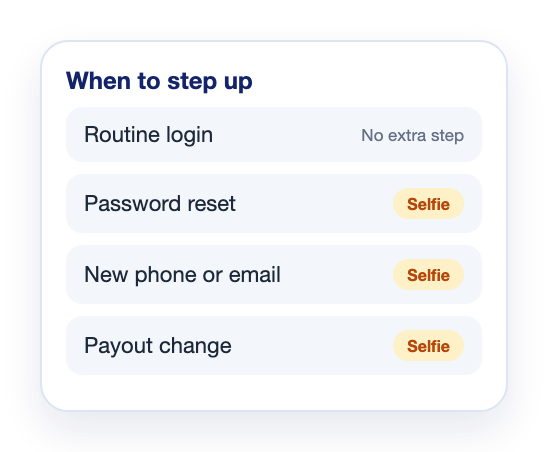
A check matched to each sensitive change
- Any action you choose can trigger a re-check
- Free passcodes prove control of a new phone or email
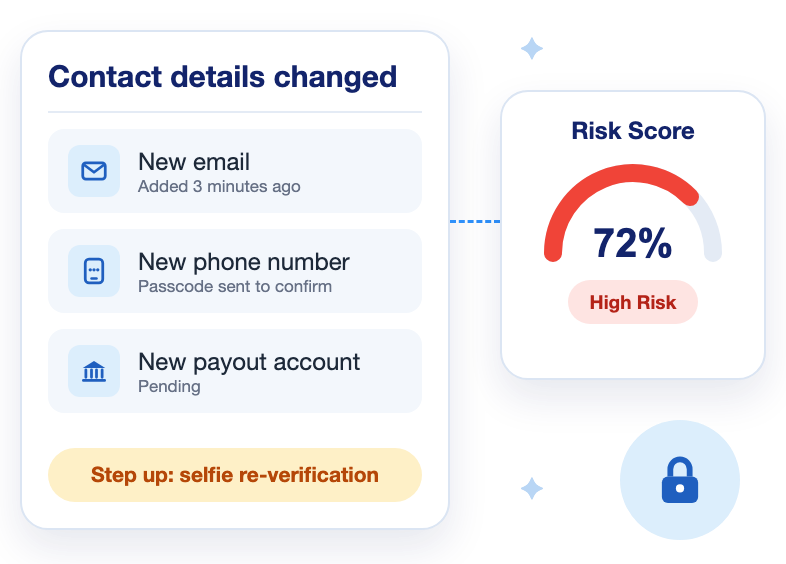
- Re-run Risk Score when contact details change
Pay Only for the Checks You Run
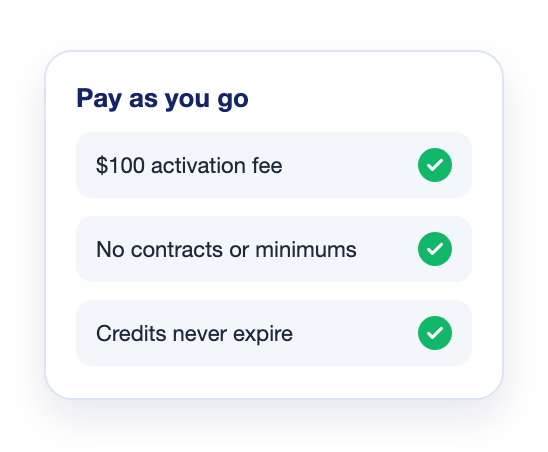
No contracts, and no minimums after activation
- You pay for each user's first government ID check
- The $100 activation fee is credited toward checks
- Credits never expire
How Authenticate Prevents Account Takeover
Re-Verify the Account Holder Before the Change Goes Through
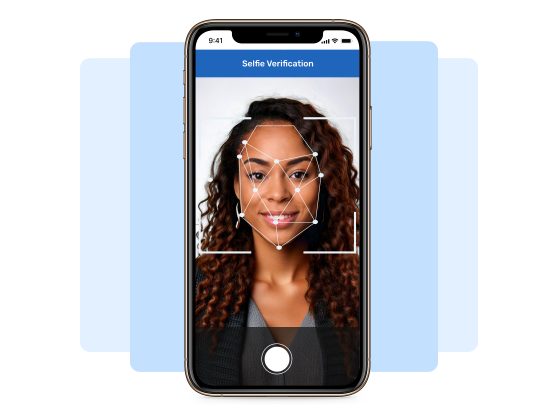
A request to change who controls an account can come through your app or a call to your help desk. ReAuthenticate™ can ask for one selfie in either place and compare it with the face from signup. The change waits on the result, so the caller who sounds most convincing no longer decides it.

ReAuthenticate™ Selfie Check

Medallion™ No-Code Flow

Government ID Verification

Knowledge Based Authentication
Check a New Email or Phone Before It Receives Your Reset Codes
Reset codes and alerts go to the email and phone on file, which is why attackers try to change them. When contact details change, re-run Risk Score in User Insights to see how well the new details fit the account holder. Risk Insights adds a confidence score on the new phone and email. A free one-time passcode then proves the user controls the new phone or inbox. It can't show who owns the account.

Risk Score
Risk Insights

Phone & Email Verification
Multi-factor Authentication
Coming Soon to Account Takeover Prevention
Selfie re-verification is live today, and the controls below are on the roadmap. The device and network items would add signals at sign-in, next to the bot detection and rate limiting you already run. The last two would add location rules to Medallion and let you tailor KBA (Knowledge Based Authentication) to your own verification flow.
- Coming soon
Device Fingerprinting & Biometrics
Recognize a returning device from its characteristics, alongside biometric signals.
- Coming soon
VPN, Proxy & ISP Detection
Detect sessions that come through a VPN, a proxy, or an international ISP.
- Coming soon
IP Allow & Block Lists
Allow or block traffic by IP address.
- Coming soon
Medallion Geofencing
Set location rules for Medallion, Authenticate's no-code verification flow.
- Coming soon
Custom Knowledge Based Authentication
Configure KBA to fit your own verification flow.
Stop Account Takeover Without Challenging Every Login
Your users keep signing in the way they do today. ReAuthenticate™ asks for a selfie only at the changes you choose, because those are the ones that could shut the owner out or move the money.

Account Takeover Prevention in Three Steps
You run one full verification per user, through the API, the Web SDK, the iOS and Android SDKs, or a verification link. Each later re-check starts with one selfie, and you decide which actions call for it.

Verify at Signup
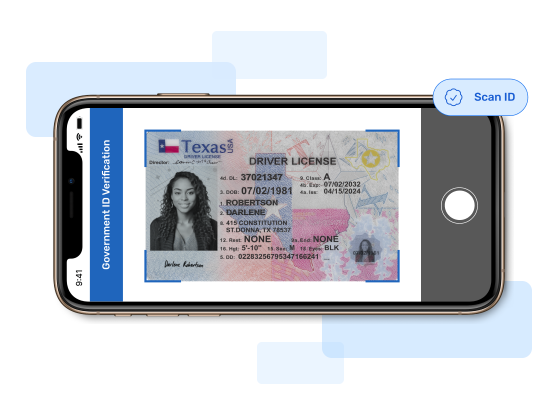
Verify each new user in 30 seconds with a government ID and selfie. Authenticate recognizes 7,500+ ID types in 203 countries, and the selfie is liveness-tested to iBeta Level 2. Re-checks use the face verified here, so existing users Authenticate hasn't verified need one government ID and selfie verification first.

Step Up at the Moments You Choose
Set ReAuthenticate™ to run before any action you pick, such as a password reset, a new email or phone number, a new payout account, or a recovery request to your help desk. The account holder takes one selfie, and your flow can hold the change until the result comes back.

Same APIs and integrations as Medallion
Flow can match your brand and workflow
One selfie, with no code to type

Review Mismatches Before You Restore
When the face doesn't match, ReAuthenticate™ asks the user for a government photo ID. Keep the change on hold until your support team has reviewed that result, because a mismatch can come from an impostor or from the real owner on a poor camera.
Resources
Liveness Detection Now Has Two Tests
What iBeta Level 2 testing under ISO/IEC 30107-3 covers, what it leaves out, and what to ask a vendor before you rely on a selfie check.
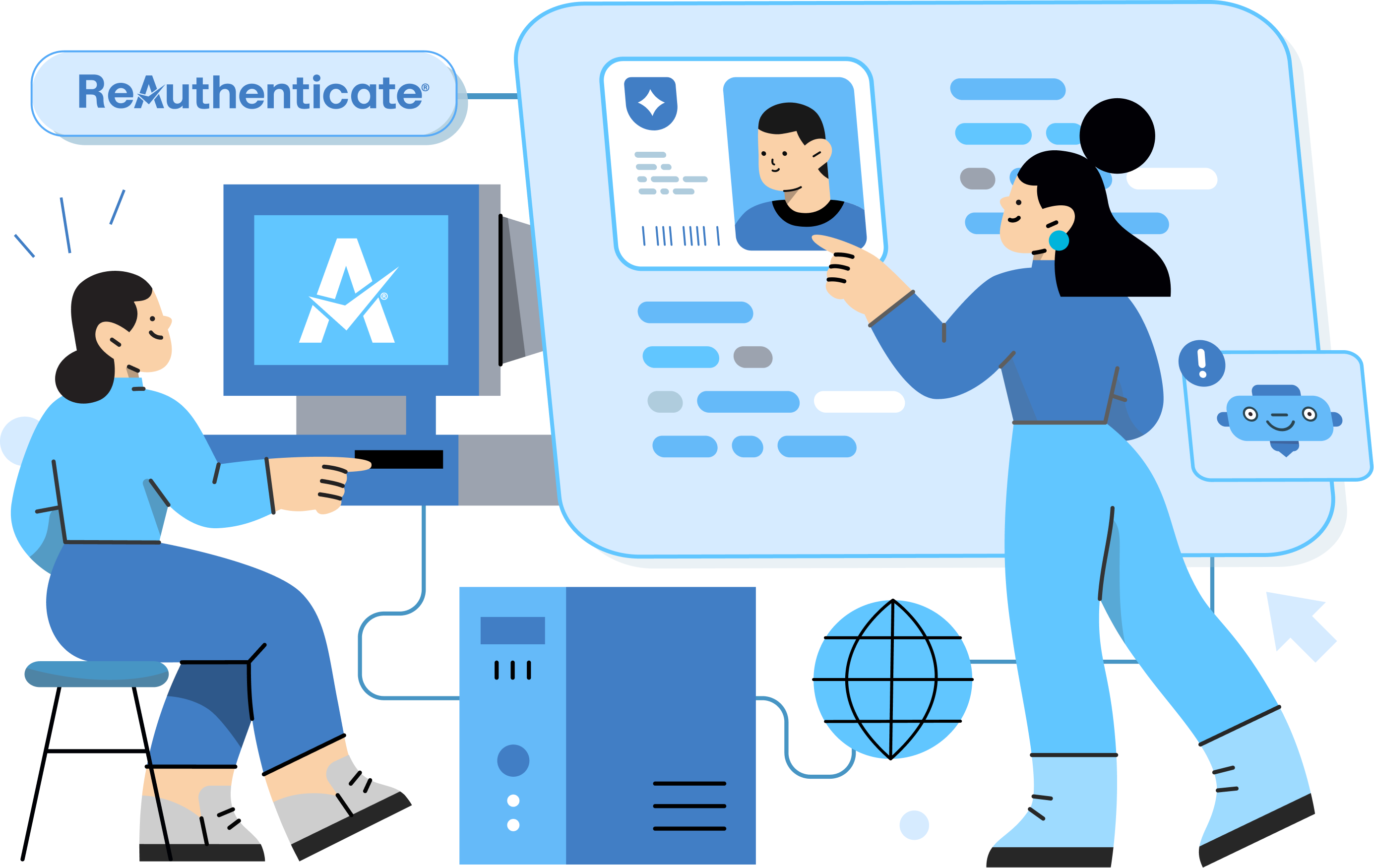
ReAuthenticate™: Re-Verify Users With a Selfie
See how ReAuthenticate™ re-verifies a returning user with one selfie, what it costs, and the integrations it shares with Medallion.
Looking for answers? Ask us anything.
This is your one stop shop to learn all about Authenticate, our features, pricing, & more.
Frequently Asked Questions
Answers on prevention, attack methods, step-up checks, account recovery, and pricing.
How do you prevent account takeover?

Account takeover prevention takes two layers, because an attacker holding the right password and code walks straight through the first. Bot detection, rate limiting, and passcodes screen the sign-in. The second layer re-verifies the person before any change that would hand the account to someone else or send its money somewhere new. Fintech and wallet apps, marketplaces, and gig platforms that pay out earnings need that second layer most.
How does account takeover fraud happen?
Account takeovers often start with credentials stolen through phishing, malware, or credential stuffing, where bots replay passwords leaked from other sites. Attackers also hijack phone numbers through SIM swaps, or call a help desk posing as the owner. The FBI's November 25, 2025 alert (I-112525-PSA) describes criminals posing as financial institution support staff to collect login credentials and MFA codes. They then reset the password to lock the owner out, which is why the reset needs its own check.
What are the signs of account takeover?
The signs of account takeover start at sign-in, with a login from a new device or location or a burst of failed attempts. Inside the account, watch for quiet edits to where alerts and money go: a new email or phone number, notifications switched off, a bank account added soon after. Any one sign can be innocent, such as a user traveling, so treat each as a reason to re-verify the person before the edit takes effect.
Does multi-factor authentication prevent account takeover?
Multi-factor authentication (MFA) stops the account takeovers that rely on a stolen password alone. A code sent by text or email can still be phished or read aloud to an impostor on the phone, and a SIM swap can redirect a texted code. Keep the passcode at sign-in. Before anyone changes how the account is reached or paid, ask for a selfie, since a face can't be read out over the phone.
What is step-up authentication?
Step-up authentication asks for a stronger check only when a user tries something sensitive, so routine logins stay fast. A one-time passcode shows the user controls a new phone or inbox, and a selfie re-verification checks the account holder is the one asking. KBA (Knowledge Based Authentication) can cover US users who can't take a selfie. Keep it as the fallback, though, because its questions draw on record details, such as past addresses, that an attacker may also find.
How do you stop help desk social engineering in account recovery?
Help desk recovery holds up against social engineering when the agent asks for the same proof your app would, because otherwise a convincing caller can talk an agent into a password reset. Before making the change, the agent can send the caller a ReAuthenticate™ selfie link, checked against the identity verified at signup. Hold the reset until the selfie matches, or until your team has reviewed the photo ID ReAuthenticate™ asks for on a mismatch.
How much does account takeover prevention cost with Authenticate?
Your cost on Authenticate starts with one paid government ID check per user, including users already on your platform whom another vendor verified. Liveness & Face Match is included with it. Every ReAuthenticate™ selfie re-check after that is free, so protecting more of an account's sensitive changes adds no per-check cost. Phone and email passcodes and Risk Insights are free too, KBA and Risk Score are paid, and there is no contract or minimum.
Prevent Account Takeover After Signup
Verify each user once with a government ID and selfie, on a platform that has processed more than 2 million users. Authenticate's compliance frameworks include SOC 2 Type II and NIST 800-63-3. After that, any change you pick can wait on one new selfie matched to the face from that first check.
Get Started